TechnicalSEO:thechecklistbeforelaunchTechnical SEO: the checklist before launch
Technical SEO: the checks to run before putting a site online. Indexing, URLs, tags, speed, mobile, structured data and Search Console.TechnicalSEO:SEO:thecheckstorunrunbeforeputtingasitesiteonline.Indexing,URLs,tags,tags,speed,mobile,structureddatadataandSearchConsole.
By Pablo Ordas · Published · 3 min read
Technical SEO is the invisible part of search ranking: everything that lets Google find your pages, read them and understand them. A site can have a beautiful design and good copy; if it blocks robots or takes ten seconds to load on a phone, it won't be found. Here's the checklist I follow before every launch, in order.TechnicalSEOSEOistheinvisiblepartpartofsearchranking:everythingeverythingthatletsGooglefindfindyourpages,readthemthemandunderstandthem.AAsitecanhaveaabeautifuldesignandgoodgoodcopy;ifitblocksblocksrobotsortakestentensecondstoloadononaphone,itwon'twon'tbefound.Here'sthethechecklistIfollowbeforebeforeeverylaunch,inorder.order.
1.LetGooglein1. Let Google in
Remove the indexing block used during development (the "discourage search engines" box on WordPress, the noindex tag).Removethetheindexingblockusedduringduringdevelopment(the"discouragesearchsearchengines"boxonWordPress,WordPress,thenoindextag).
Check the robots.txt file: it must not block important pages.Checkthetherobots.txtfile:itmustmustnotblockimportantpages.pages.
Generate a sitemap (sitemap.xml) listing every page to index.Generateaasitemap(sitemap.xml)listingeveryeverypagetoindex.
Serve the whole site over https, with a valid certificate.Servethethewholesiteoverhttps,https,withavalidcertificate.certificate.
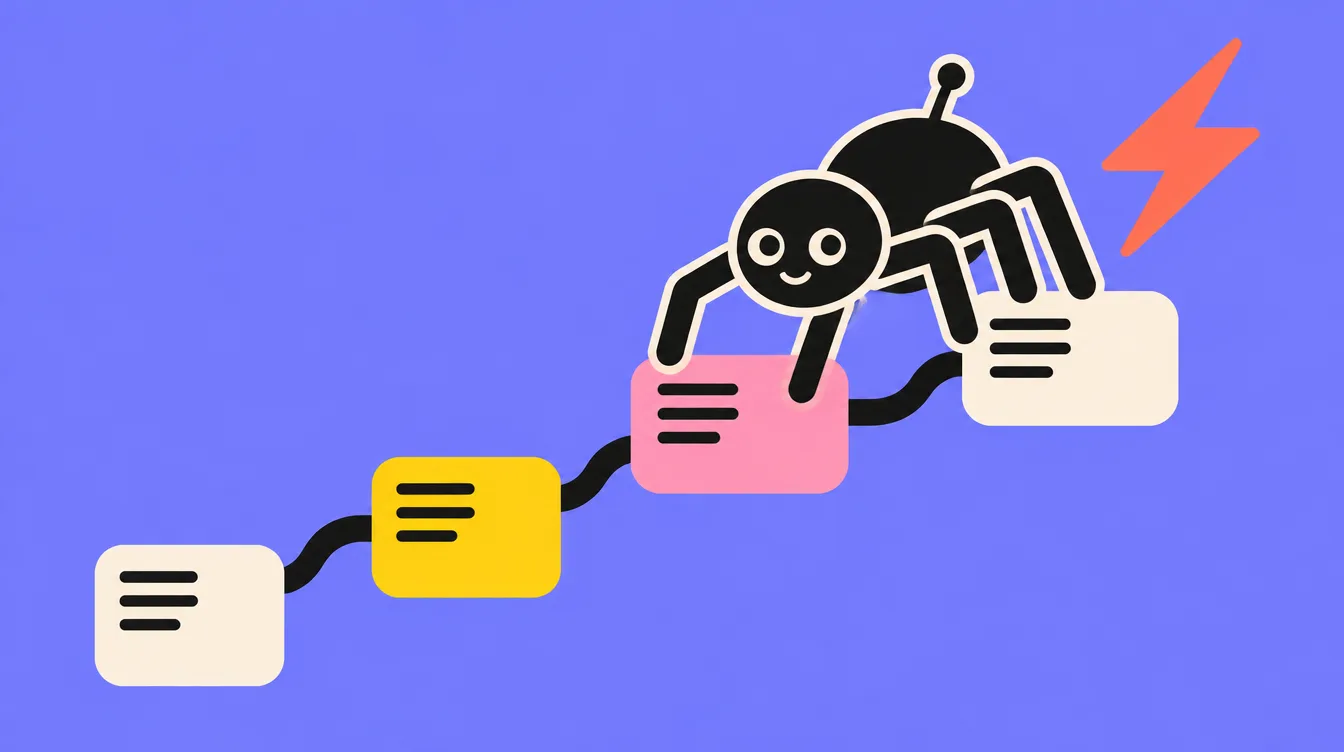
A robot following links: that's how Google discovers a site.
2.CleanURLsandredirects2. Clean URLs and redirects
Short, readable URLs, with words rather than numbers.Short,readablereadableURLs,withwordsratherratherthannumbers.
A single version of the site: with or without "www", never both.Asinglesingleversionofthesite:site:withorwithout"www","www",neverboth.
When redesigning, every old URL redirected (301) to the new page covering the same topic. That's what I did on my own site: every old page has its redirect.Whenredesigning,redesigning,everyoldURLredirectedredirected(301)tothenewnewpagecoveringthesamesametopic.That'swhatIIdidonmyownownsite:everyoldpagepagehasitsredirect.
A useful 404 page that points back to the home page or main pages.Ausefuluseful404pagethatpointspointsbacktothehomehomepageormainpages.pages.
3.Uniquetagsoneverypage3. Unique tags on every page
A unique title tag per page, starting with the main topic.Auniqueuniquetitletagperpage,page,startingwiththemainmaintopic.
A unique meta description that makes people want to click.Auniqueuniquemetadescriptionthatmakesmakespeoplewanttoclick.click.
A single H1 per page, then H2 and H3 subheadings in order.AsinglesingleH1perpage,thenthenH2andH3subheadingssubheadingsinorder.
A canonical tag to point to a page's reference version.Acanonicalcanonicaltagtopointtotoapage'sreferenceversion.version.
On a multilingual site, hreflang tags linking the versions together.Onaamultilingualsite,hreflangtagstagslinkingtheversionstogether.together.
4.Afastsite,especiallyonphones4. A fast site, especially on phones
Google looks at the mobile version of your site first, and measures experience with the Core Web Vitals: how fast the main content shows, how quickly the page responds to taps, and how stable the layout is. PageSpeed Insights measures them for free.Googlelookslooksatthemobileversionversionofyoursitefirst,first,andmeasuresexperiencewithwiththeCore Web Vitals:howhowfastthemaincontentcontentshows,howquicklythethepagerespondstotaps,taps,andhowstablethethelayoutis.PageSpeed Insightsmeasuresmeasuresthemforfree.
Compressed images, in the right format (WebP or AVIF) and at the right size.Compressedimages,images,intherightformatformat(WebPorAVIF)andandattherightsize.size.
Fonts and scripts loaded only when they're needed.Fontsandandscriptsloadedonlywhenwhenthey'reneeded.
Good hosting: a slow server slows everything else.Goodhosting:hosting:aslowserverslowsslowseverythingelse.
A test on a real phone, on 4G, not just on a computer.Atesttestonarealphone,phone,on4G,notjustjustonacomputer.
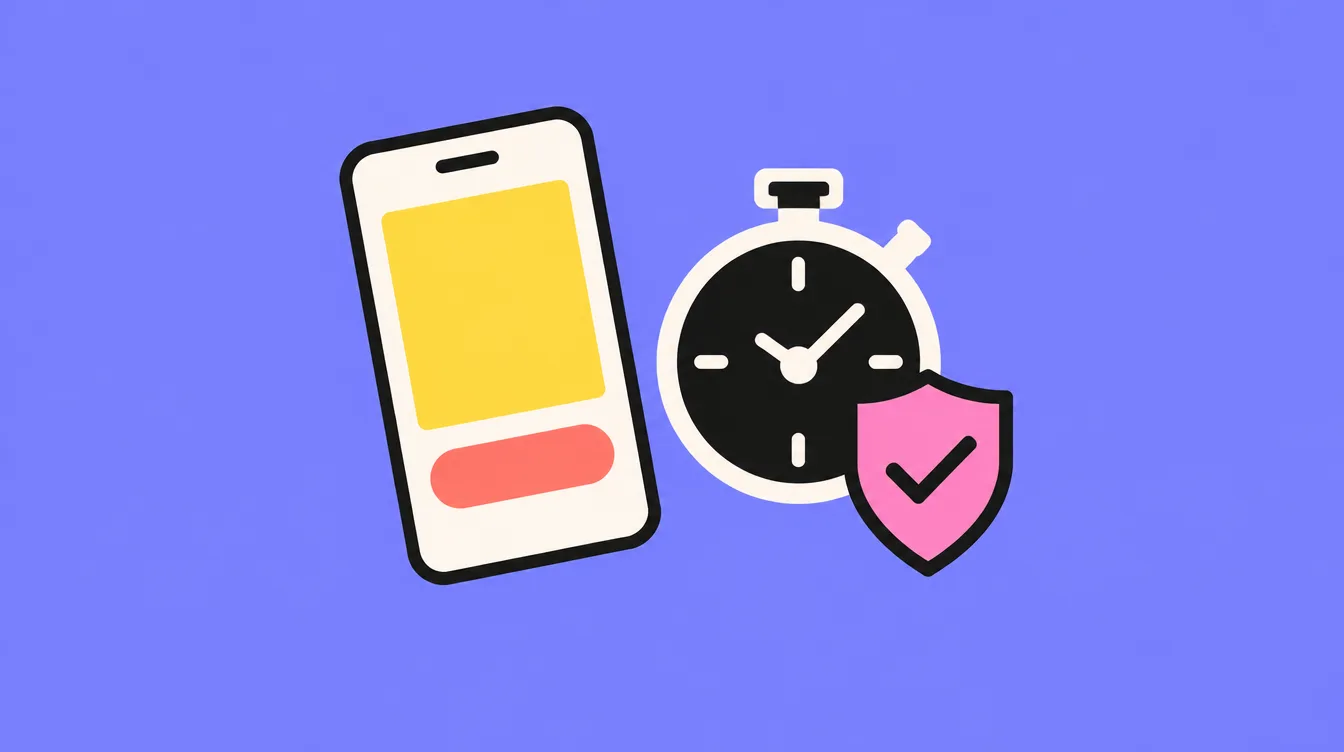
Fast, readable and secure on phones: the minimum before publishing.
5.HelpGoogleunderstand5. Help Google understand
Alt text on every image that carries information.Alttexttextoneveryimagethatthatcarriesinformation.
Internal links between pages on related topics, with explicit link text.Internallinkslinksbetweenpagesonrelatedrelatedtopics,withexplicitlinklinktext.
Structured data (JSON-LD): your business, your services, your articles, your FAQ if it's visible on the page.Structureddatadata(JSON-LD):yourbusiness,youryourservices,yourarticles,youryourFAQifit'svisiblevisibleonthepage.
Your name, address and phone number identical on the site and on your Google Business Profile.Yourname,name,addressandphonenumbernumberidenticalonthesitesiteandonyourGoogleGoogleBusinessProfile.
Submit the sitemap and request indexing of the main pages.Submitthethesitemapandrequestindexingindexingofthemainpages.pages.
Check the redirects of the old URLs one by one.CheckthetheredirectsoftheoldoldURLsonebyone.one.
Watch the error and excluded-page reports during the first weeks.Watchthetheerrorandexcluded-pagereportsreportsduringthefirstweeks.weeks.
A site Google can't read doesn't exist for your customers.AsitesiteGooglecan'treaddoesn'tdoesn'texistforyourcustomers.customers.
Whatnext?What next?
Once the technical base is solid, search ranking is built with content: pages that answer your customers' questions, and regular articles. Google also publishes a very clear SEO starter guide. For a store, the same checklist applies product by product, see creating your online store.Oncethethetechnicalbaseissolid,solid,searchrankingisbuiltbuiltwithcontent:pagesthatthatansweryourcustomers'questions,questions,andregulararticles.GoogleGooglealsopublishesaveryveryclearSEO starter guide.ForForastore,thesamesamechecklistappliesproductbybyproduct,seecreating your online store..
MyadviceMy advice
Run this checklist before launch, not after: fixing a site that's already indexed takes longer. If your site already exists, this is exactly what my SEO optimisation service covers: audit, settings, then page-by-page optimisation. And once the base is ready, SEO content takes over.Runthisthischecklistbeforelaunch,notnotafter:fixingasitesitethat'salreadyindexedtakestakeslonger.Ifyoursitesitealreadyexists,thisisisexactlywhatmySEO optimisationservicecovers:audit,settings,settings,thenpage-by-pageoptimisation.AndAndoncethebaseisisready,SEO contenttakesover.over.
It's the set of settings that let Google crawl, index and understand a site: indexing, URLs, redirects, tags, speed, mobile version and structured data.It'sthethesetofsettingsthatthatletGooglecrawl,indexindexandunderstandasite:site:indexing,URLs,redirects,tags,tags,speed,mobileversionandandstructureddata.
What'sthedifferencebetweentechnicalSEOandcontentSEO?What's the difference between technical SEO and content SEO?
Technical SEO removes obstacles so Google can read the site. Content SEO answers people's searches with useful pages and articles. Both are needed.TechnicalSEOSEOremovesobstaclessoGoogleGooglecanreadthesite.site.ContentSEOanswerspeople'speople'ssearcheswithusefulpagespagesandarticles.Bothareareneeded.
HowdoIcheckmysite'stechnicalSEO?How do I check my site's technical SEO?
Google Search Console shows indexed pages and errors, and PageSpeed Insights measures speed. A full audit goes through every point in this checklist.GoogleSearchSearchConsoleshowsindexedpagespagesanderrors,andPageSpeedPageSpeedInsightsmeasuresspeed.AAfullauditgoesthroughthrougheverypointinthisthischecklist.
HowlongbeforeIseetheeffects?How long before I see the effects?
Google first has to recrawl the fixed pages, which can take from a few days to several weeks. The effect on rankings then depends on content and competition.Googlefirstfirsthastorecrawlthethefixedpages,whichcancantakefromafewfewdaystoseveralweeks.weeks.Theeffectonrankingsrankingsthendependsoncontentcontentandcompetition.
Tell me about it in a few lines. I'll get back to you, and you'll have a price from our first conversation.Tellmemeaboutitinaafewlines.I'llgetgetbacktoyou,andandyou'llhaveapricepricefromourfirstconversation.conversation.